One photo. Your lead. The whole party.

Drake Burning Bridges AI Video Generator

Make your own Burning Bridges AI video: put one character into the office party performance, with the original music and crowd.

  • One character photo
  • Original audio kept
  • 5-second preview or full video
Made from one character photo · full dance

Create your Burning Bridges video

1 · Upload character

Main character
JPG / PNG / WebP

Upload one clear photo of your main character. A visible face and outfit help keep the look consistent.

2 · Length

3 · Aspect ratio

The original scene stays whole. Black bars are added to the final video when needed for your chosen aspect ratio.

4 · Resolution
164 creditsOriginal audio
Before you generate

Whenever possible, upload images you own. Otherwise, make sure you have permission to use them. AI results vary. A finished video may miss character details, gestures or lip sync on the first take. Another take uses more credits; failed renders are refunded.

Connecting to the generator…

Output

Example preview · 28.1s
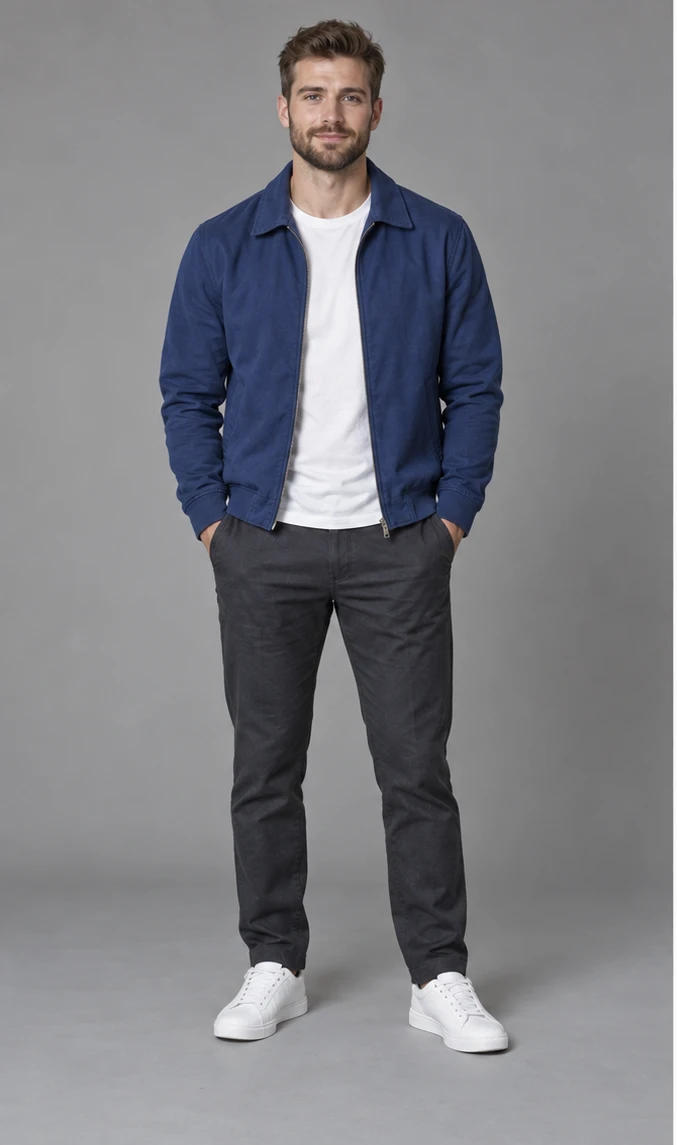
Blue Jacket · Burning Bridges · Made with one character imageYour finished video will appear here.
Estimated generation time4–8 min

5s · 480p · Estimated total time, including preparation, rendering and export.

Planning range based on recent renders. Busy queues can take longer.
How it works

Your character takes the lead

The template supplies the party, choreography and soundtrack. You choose who leads it.

  1. 01

    Upload one character

    Choose one clear character photo, or load the Blue Jacket example.

  2. 02

    Choose your video

    Test the 5-second opening or make the full 28.1-second performance. Review the credit cost before generating.

  3. 03

    Play and download

    Your finished video includes the original audio. Find it in your history and download it when ready.

Credit packs

Simple, one-time pricing

Choose a length and resolution to see the exact credit cost before you generate. New accounts receive 300 credits toward a video.

FAQ

Burning Bridges AI video questions

Still unsure? Email support@hotellobbygenerator.net.

How do I make a Drake Burning Bridges AI video?

Upload one clear character photo, choose the 5-second opening or the full 28.1-second performance, then generate. Your character replaces the foreground lead in the office party scene.

Do I need a second character photo?

No. One photo is enough. Only the main performer is replaced; the other party guests stay in the background.

Does my Burning Bridges AI video keep the music?

Yes. The finished video keeps the template’s original soundtrack. Play the full example with sound to preview it.

Will the movements match the example exactly?

The source video guides the gestures and camera movement. Faces, fingers, lip sync and transitions can vary. Try the 5-second opening first.

Your turn

Be the lead at the party.

One character photo is all you need to start.