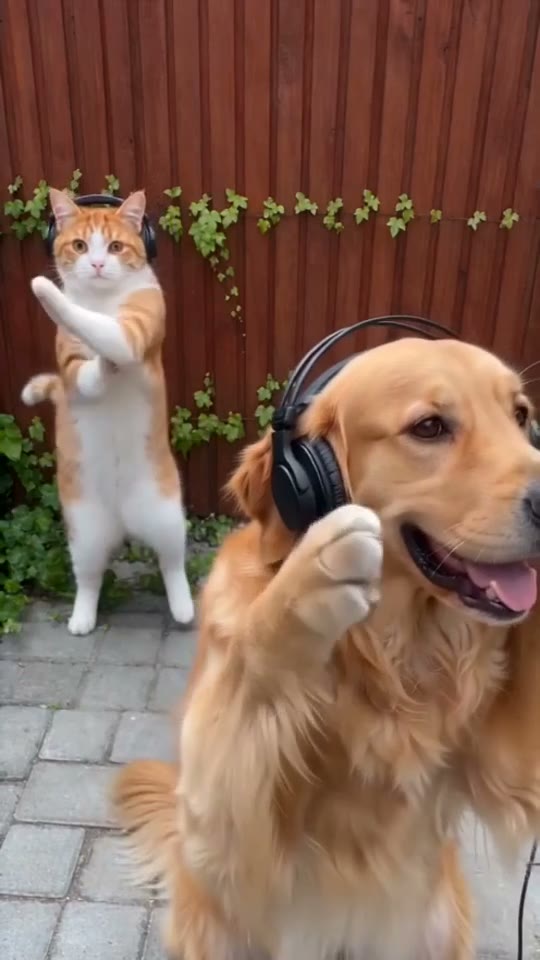
Choose the scene for your video.
Four stories and performances. Pick a template, then put your own characters in it.
The Hotel Lobby AI video trend is based on Quavo and Takeoff of Migos performing on A COLORS SHOW. Bring two character photos into the orange studio and keep the original moves and music.
Four stories and performances. Pick a template, then put your own characters in it.
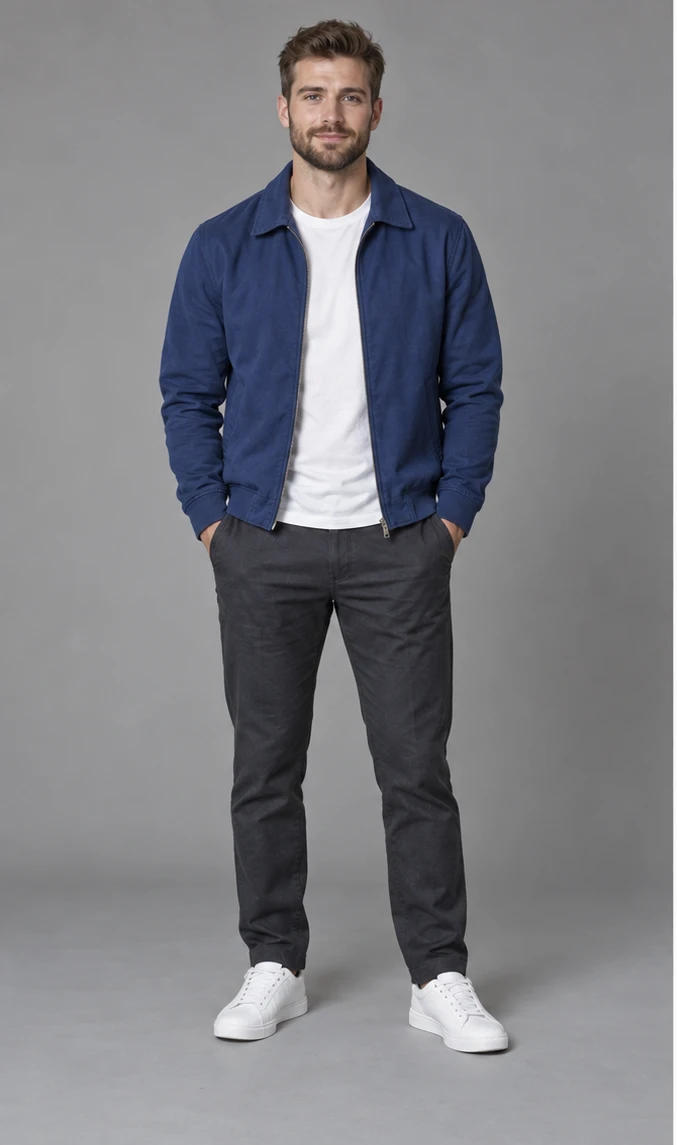
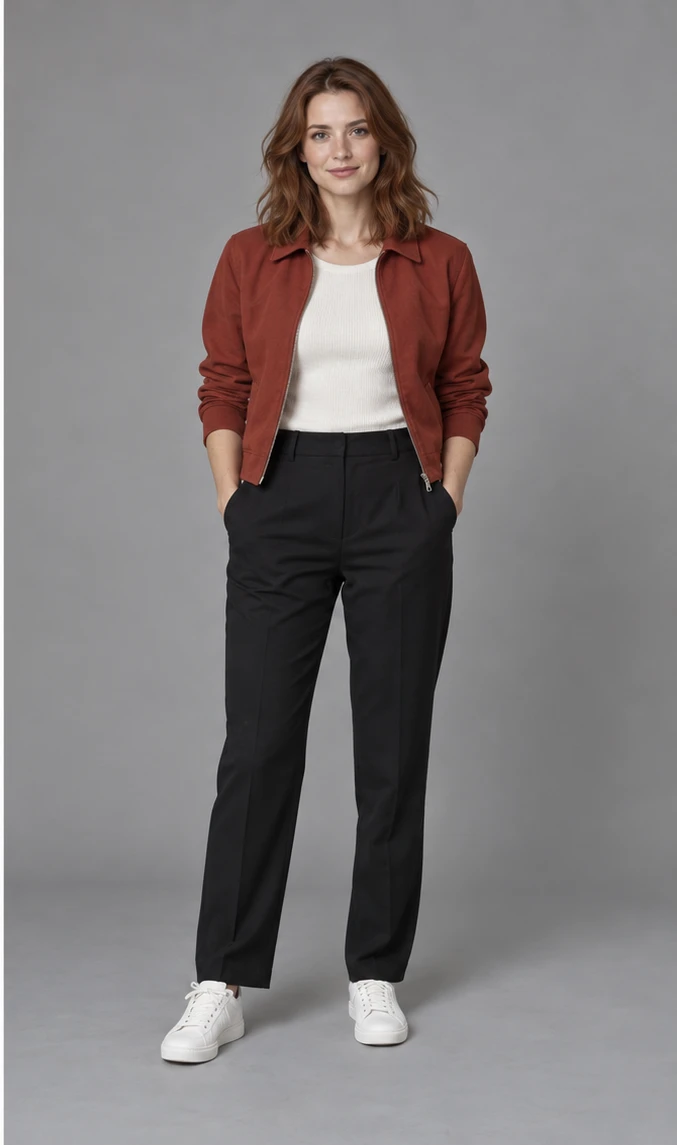
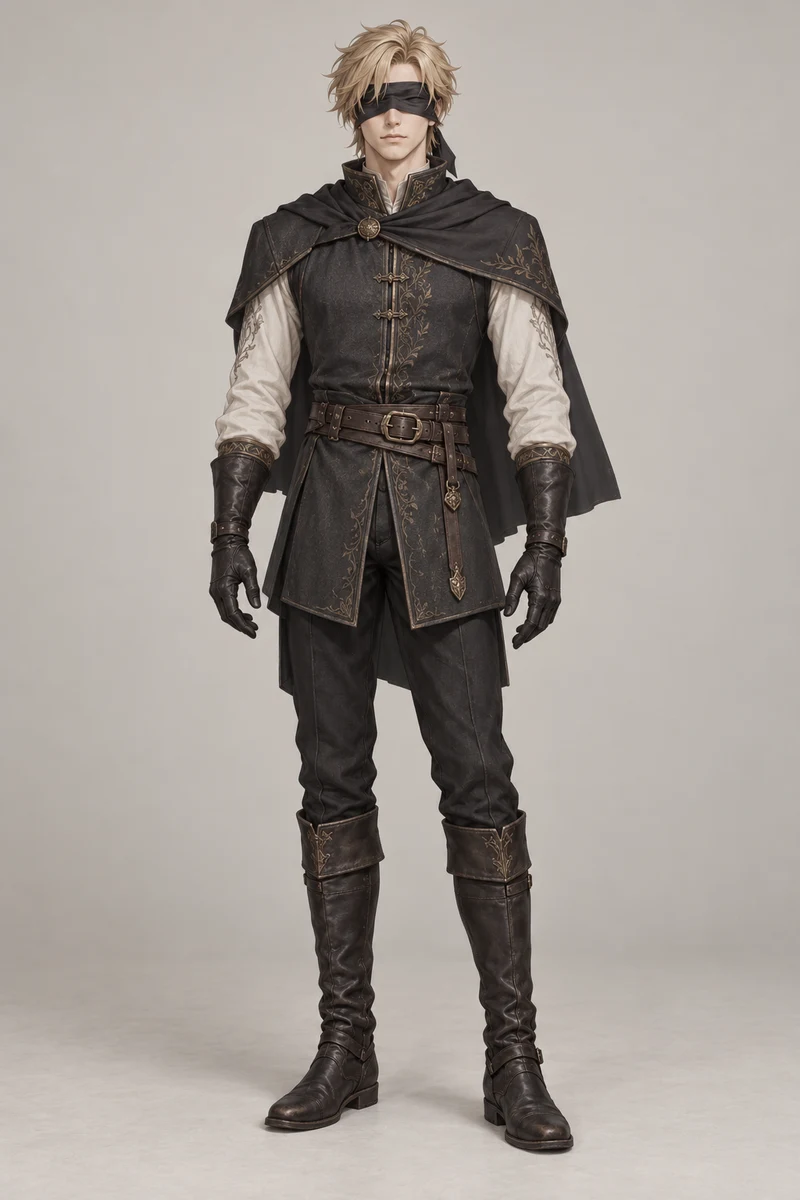
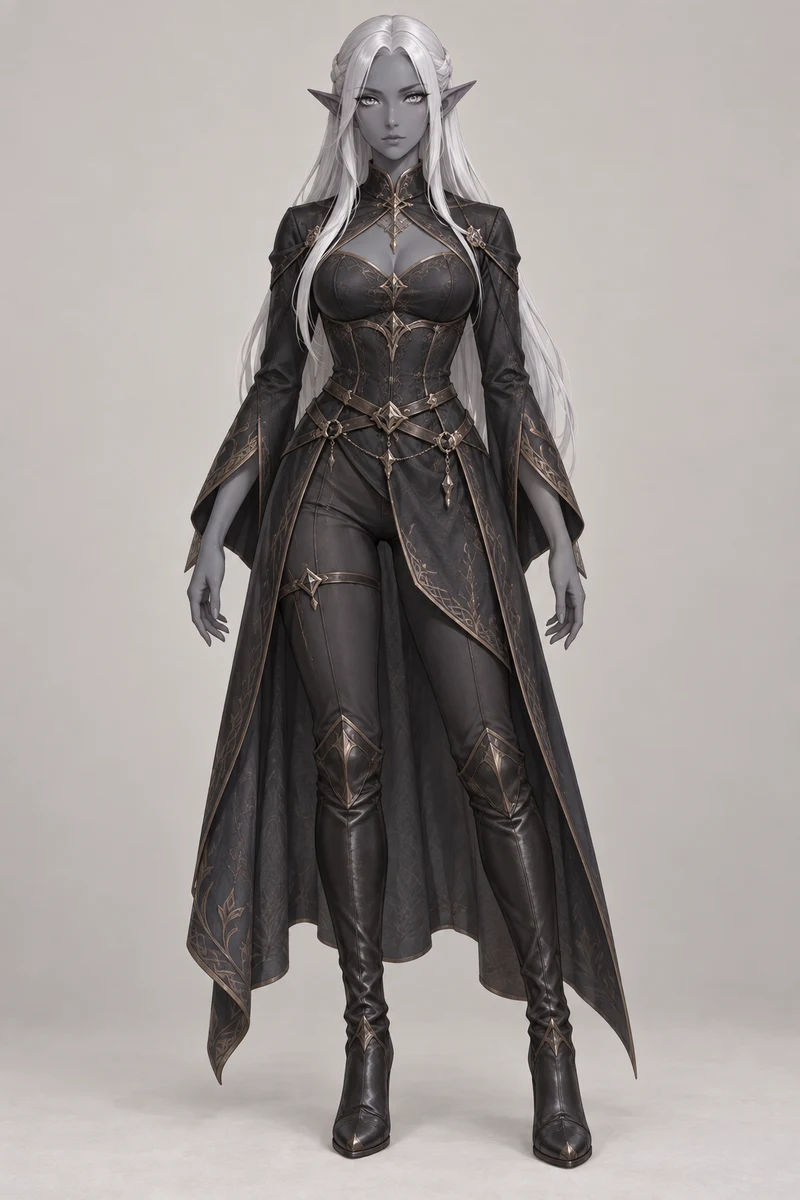
Upload one character for each performer. Clear pet photos or full-body character images work best. Your uploaded photos guide the characters directly.
2 · Length
The original scene stays whole. Black bars are added to the final video when needed for your chosen aspect ratio.
Whenever possible, upload images you own. Otherwise, make sure you have permission to use them. AI results vary. A finished video may miss character details, gestures or lip sync on the first take. Another take uses more credits; failed renders are refunded.
Connecting to the generator…
6.6s · 480p · Estimated total time, including preparation, rendering and export.
Planning range based on recent renders. Busy queues can take longer.Example gallery
Real results from the generator. Press play for sound, or load the same two characters into the studio.
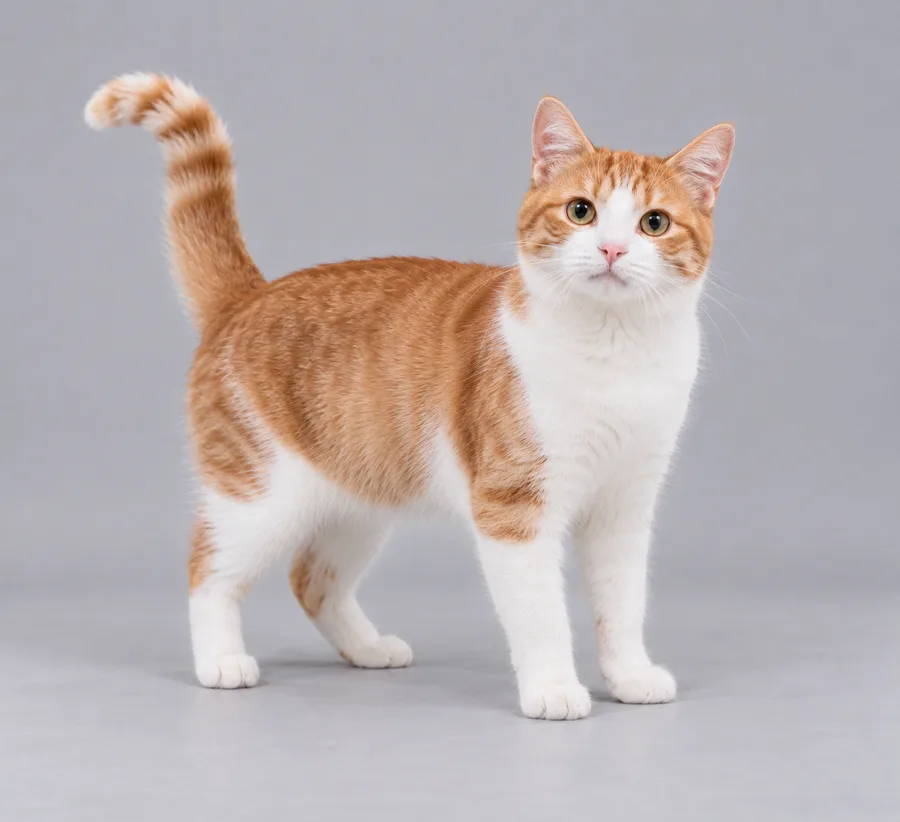
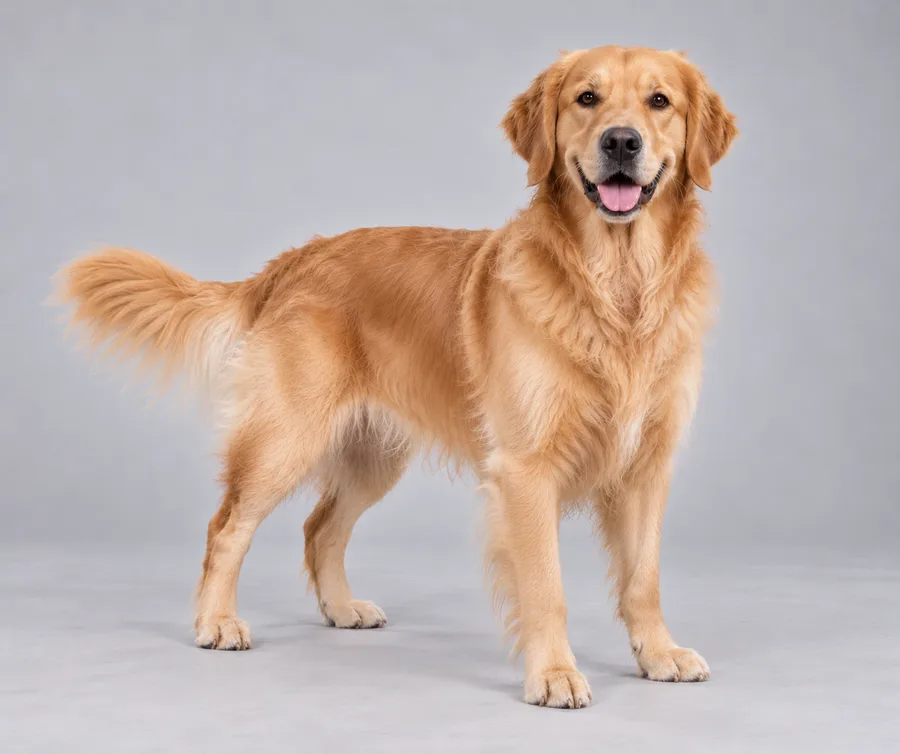
How it works
Your images set the look. The original clip sets the performance — moves, expressions, camera and visible lip sync.
Upload two separate character images. Left image goes stage left, right image goes stage right.
Your photos guide the characters while the original scene sets their positions, movement and camera work.
Longer clips are joined on the original timeline, then the original audio is restored for the final video.
It comes from Quavo and Takeoff, two members of Migos, performing “Hotel Lobby” around a single hanging microphone on A COLORS SHOW. This independent generator keeps the original moves, camera and music, and swaps the performers for characters you upload.
Use one clearly visible, full-body character per image, facing the camera. Your uploaded images directly guide each character’s appearance and outfit. JPG, PNG or WebP, at least 128 × 128 pixels and up to 20 MB each. The left image maps to stage left and the right image to stage right.
Only if you have their permission to use their likeness, and never images of anyone under 18. Don’t present generated videos of real people as genuine or as an endorsement. See our Terms of Service for the full rules.
The cost depends on length and resolution, including photo and performance references plus video generation. Hotel Lobby Generator shows the total before submission. New accounts get 300 credits toward a video. Purchased credits last 12 months; free credits last 30 days.
Most videos take several minutes. Longer clips and busy periods may take longer.
Yes. Your video keeps rendering on our servers and is saved to your account. Sign in on any device later and you’ll see its latest status, or the finished video.
Credits are only held while your video renders. If it fails for any reason, the held credits go straight back to your balance.
AI video generation varies from take to take. A completed video may miss some character details, movements or lip sync, even with clear photos. You can generate another take if you want to try again; it uses additional credits. If a rendering task fails, its held credits are returned.
Yes. Every video is cut to the original timeline and the original audio is laid back in, so the moves stay in sync with the song.
You can explore the studio and examples without one. To generate or buy credits, sign in with Google — it’s the only sign-in option, and it keeps your videos and credits in one place.
No. Hotel Lobby Generator is an independent tool and isn’t affiliated with, sponsored by or endorsed by COLORS, the original performers or their rights holders.
Your turn on stage
Pick any two characters, choose a length and let them take the mic — original moves and music included.